Staff, roles & attendance
Everyone signs in as themselves — and sees only what their job needs. Owners, managers and kitchen staff each get the right screens. Floor staff sign in with a 6-digit PIN instead of a password, and the attendance register lives in the same app.
What Staff, roles & attendance does
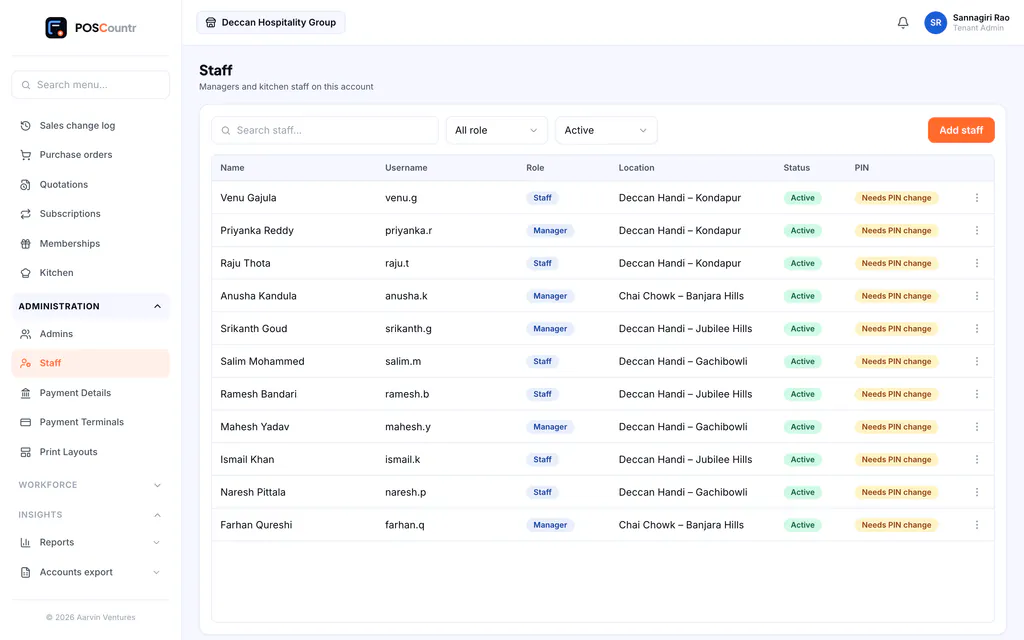
Three roles, clear limits
Owners see everything; managers run one outlet; kitchen staff see the kitchen board only.
PIN sign-in for the floor
Staff sign in with your Business ID, their username and a 6-digit PIN. Weak PINs are refused and a new PIN must be changed at first sign-in.
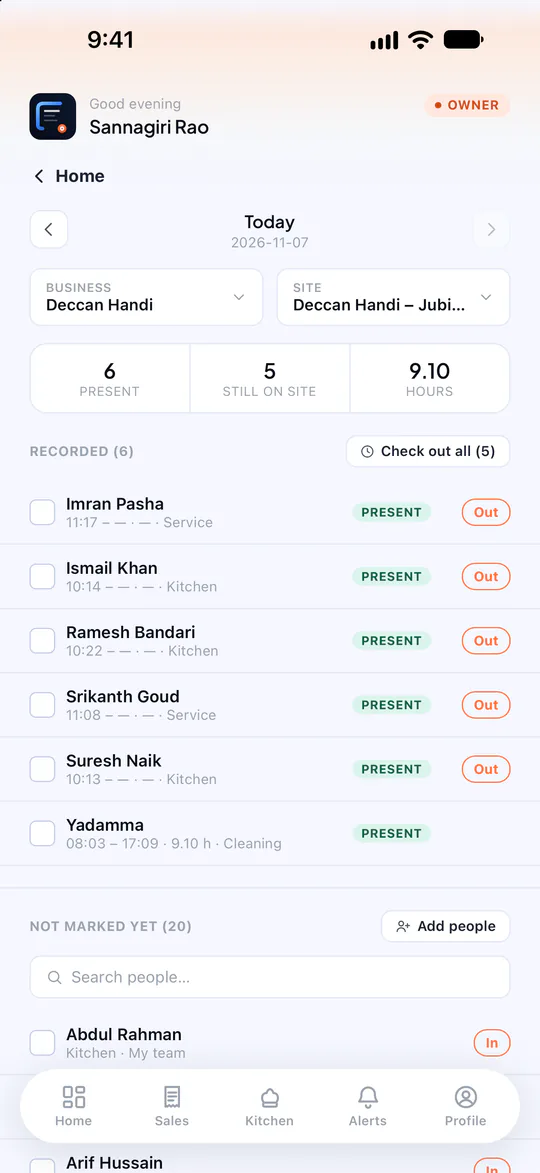
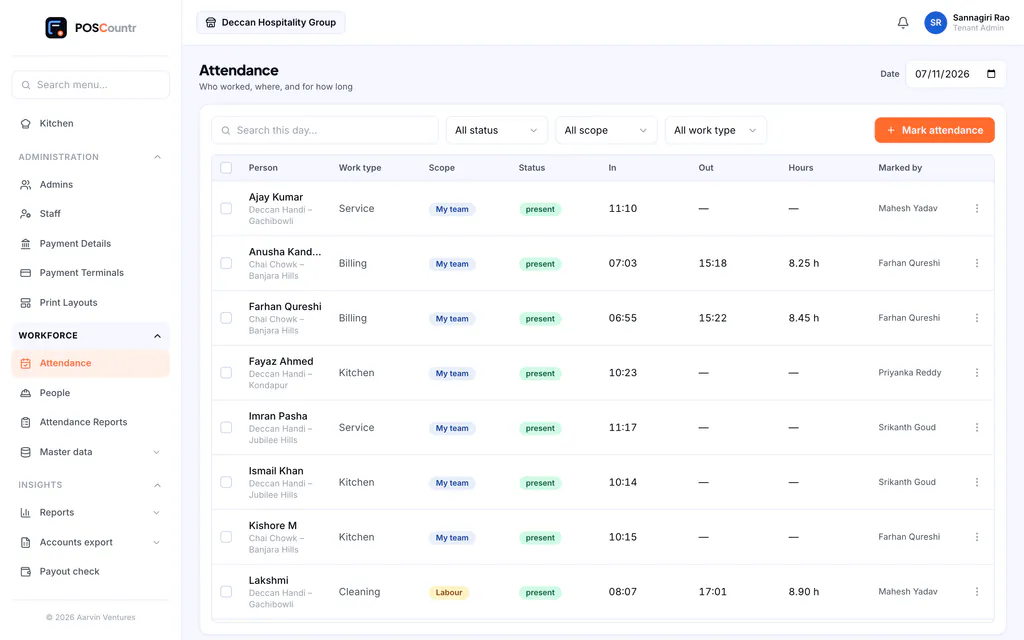
Attendance in one tap
Mark present, absent, leave or holiday for permanent, contract and daily staff, with a monthly roll-up.
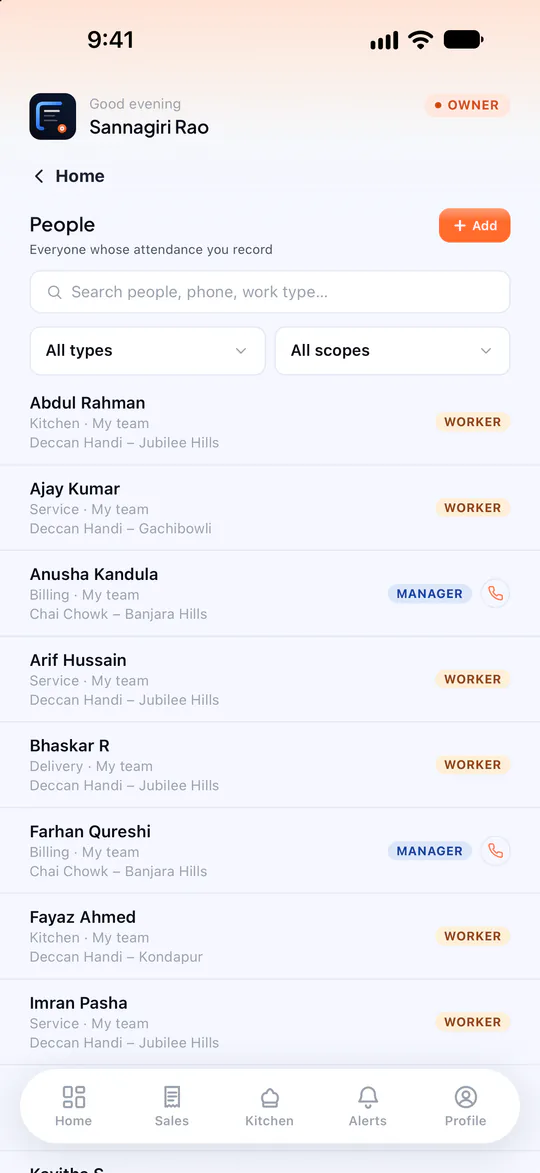
Move people between outlets
Assign or reassign a manager to an outlet as your team changes.
Instant sign-out
Deactivate someone and every device they were signed in on is signed out.
Who did what
Sales, cancellations and payment changes record the person who made them.
Staff, roles & attendance, in the product
Real screens from POSCountr, shown with demo data.
Questions about staff, roles & attendance
Do staff need an email address?
No. Only owners use email and password. Managers and kitchen staff use a username and a 6-digit PIN.
Staff, roles & attendance at a glance
- Plans
- Roles & PIN sign-in: every plan · Attendance: Business and up
- Works on
- Web dashboard · iPhone, iPad & Android app
- Good for
- Salons, gyms & services · Chains & multi-brand groups
See POSCountr on your own business.
A 30-minute walkthrough on WhatsApp video or at your counter in Hyderabad. We set you up, import your products and train your team.
Already a customer? Get the app.